IPTV Smart
Queen
Add playlist
Login

Features

Your playlist,
treated like television.

01

The remote is the interface

Up, down, right. Nothing hidden behind a menu.

Every screen was laid out for a directional pad first. The phone app, coming soon, keeps the same layout with swipes standing in for the keys.
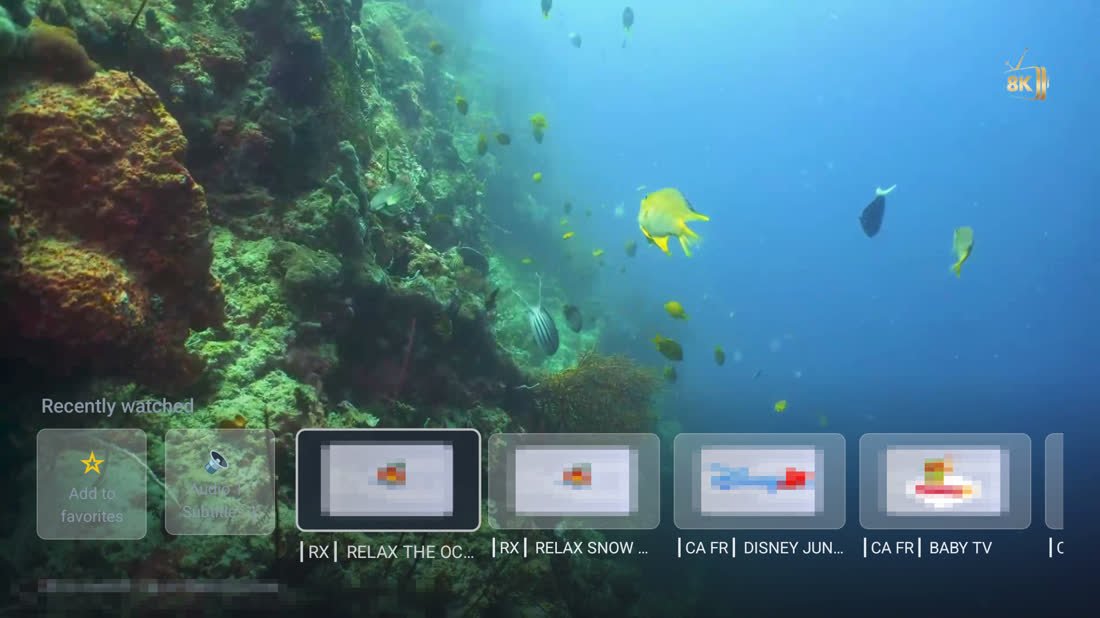
Up and Down change channel while the picture is full screen.
Right opens the Recently watched strip, with Add to favourites at its head.
Hold OK on a channel to add it to your favourites; Right opens its panel: favourite, audio and subtitles, lock, programme info.
Hold a category to pin it to the top of the list.
OK to switch, Up or Back to close: the hints are on screen, not in a manual.
Full-screen picture with the Recently watched strip open along the bottom and the hint: Up and down change channel, Right shows recent channels

Full screen, Right pressed: the recently watched strip.
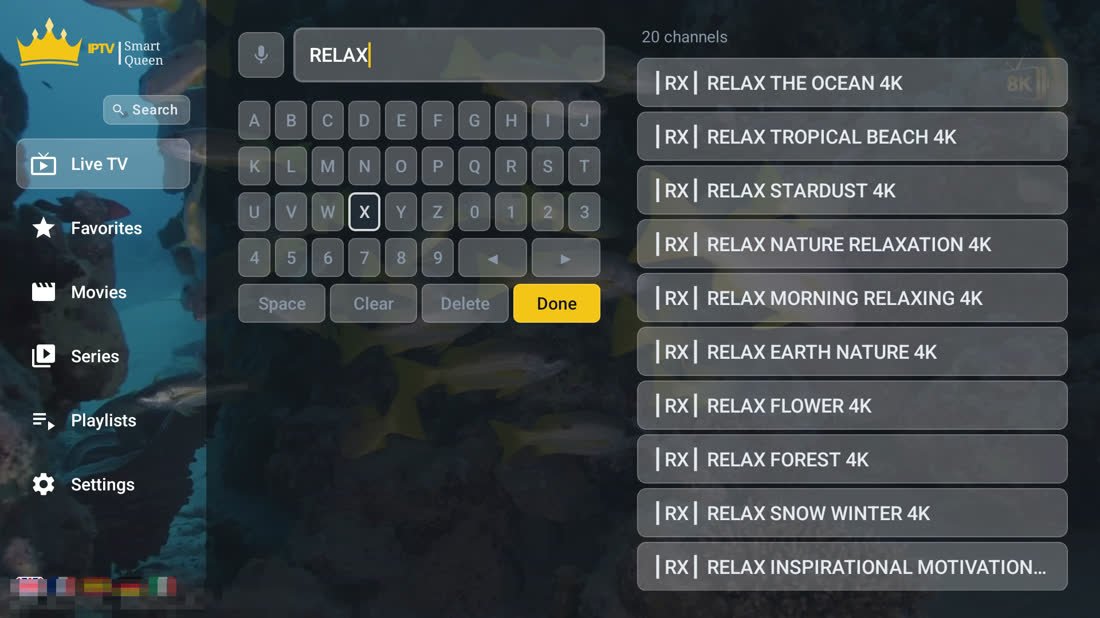
Search: the word RELAX typed on the on-screen keyboard, with twenty matching channels listed on the right

Search: press the microphone, or spell it on the D-pad keyboard.

02

Search & voice

Say the channel name.

Microphone on the search screen; the permission is asked only when you press it.
On-screen keyboard made for a D-pad: letters, digits, Space, Clear, Delete, Done.
Results as you type, with the count at the top.
Separate searches for live channels, films and series.
Five languages switched with the flags in the corner: English, French, Spanish, German, Italian.
03

Playlists

Whatever your provider hands you.
M3U / M3U8 link, with an optional XMLTV address for the guide.
Xtream Codes: server, username, password. Live, films, series and guide from the API.
Stalker portal with live, films and series.
Five at once, a backup server for each, and the expiry date on every one.
Refreshes itself every 12 hours, never while a channel is playing.
Set up from your phone: scan the QR on the welcome screen, paste the link on our page, done.
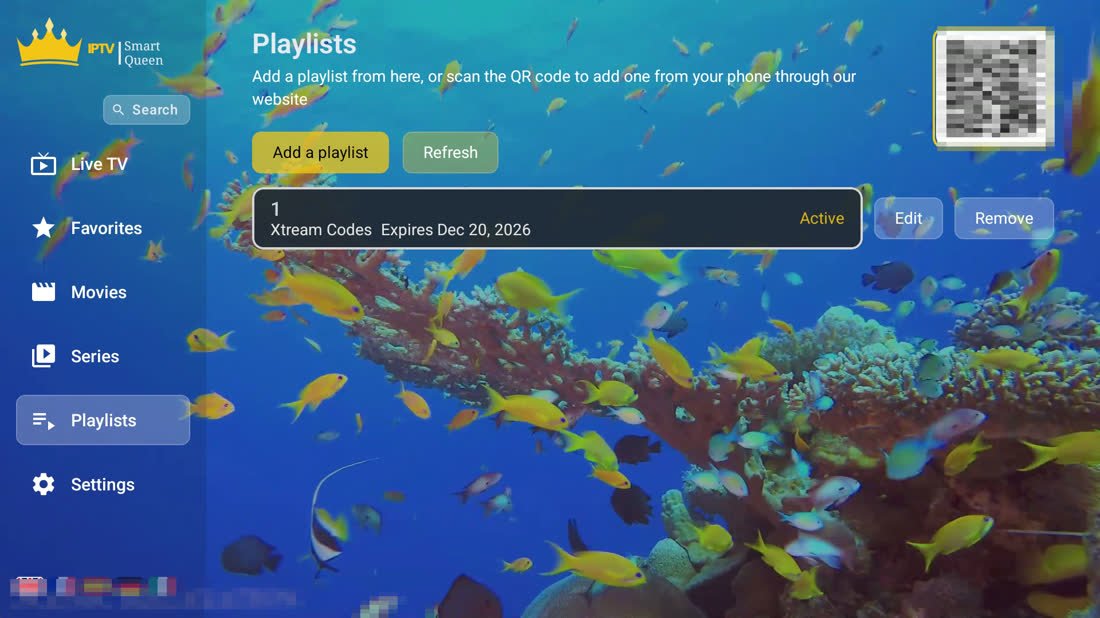
The Playlists screen: Add a playlist and Refresh, one Xtream Codes playlist shown as Active with its expiry date, Edit and Remove beside it, and a QR code for adding one from a phone

Playlists: up to five, each with its source, its expiry and a QR code to add one from your phone.
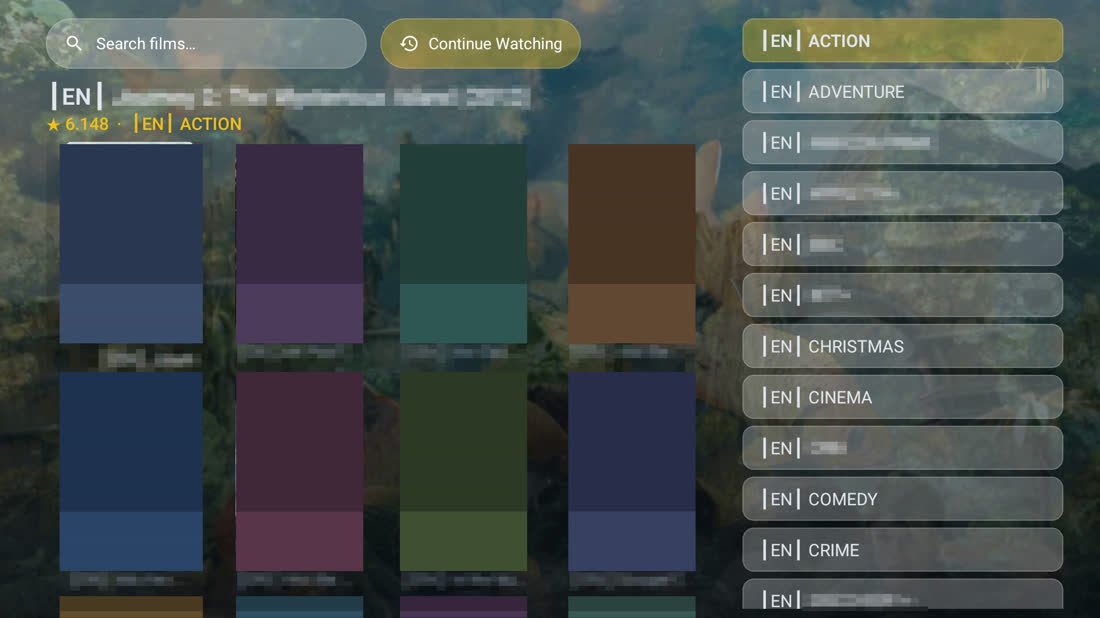
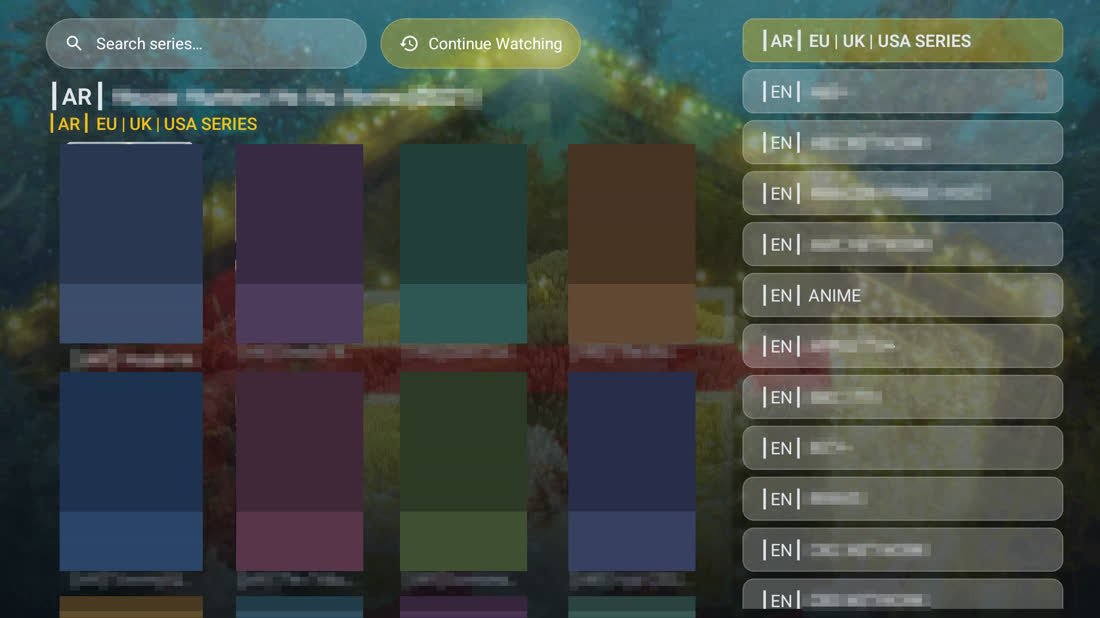
Films: the search bar, a grid of posters, and the category list down the right-hand side
Series: a grid of posters with the category list down the right-hand side
04

Films & series

The next evening starts where the last one ended.

Poster grids for films and for series, categories down the right, search at the top.
Seasons and episodes, with a Next Episode action.
Continue Watching: resume position saved per film and per episode.
Seek with Left and Right. No scrubbing a bar with a remote.
Comes with Xtream Codes and Stalker playlists. A plain M3U has live channels only, and the app says so.
05

The player

Built to stay smooth on the boxes people actually own.

Hardware decoding through the device's own media engine, one player kept alive for the life of the app, and every number here measured on a cheap 2 GB box.

Rejoins live, not the bufferRetries with rising delays; a watchdog counts frames so a frozen decoder is caught too.
HLS and MPEG-TS, automaticallyOne bad segment drops to TS; the next open tries HLS again.
Frame-rate matchingThe display follows the stream's rate where the TV allows it.
Bars, never spinnersEvery load says what it is doing; an interrupted import resumes.
What the app cannot controlHow fast a channel starts, and whether it buffers, is your provider's server and your connection — no player changes that. What we control is everything else: the app opens in under half a second, the menu never waits on the network, and a channel change never rebuilds the player. Test it in one minute: play the same channel in another player on the same device. Stutters there too? The stream. Worse in ours? Tell us — that is a bug and we want it.
A channel playing full screen, the picture filling the television with no menu or bar on top of it

Playing full screen: the picture, and nothing on top of it.
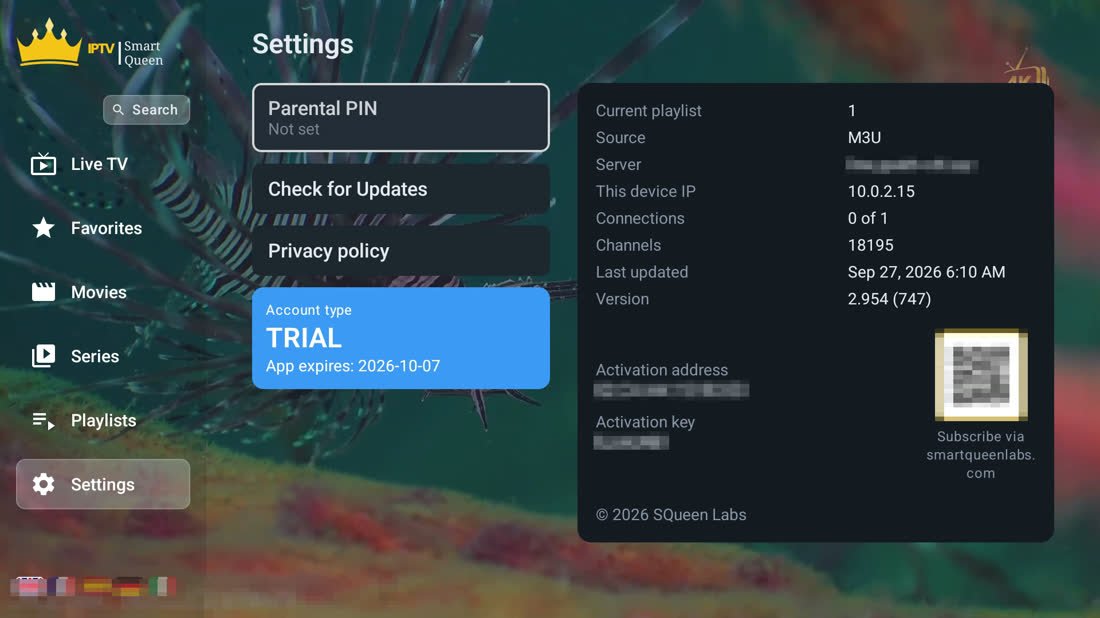
The Settings screen: Parental PIN, Check for Updates, account type TRIAL with its expiry date, and the playlist details with the device's activation address and key

Settings: the parental PIN, the trial and its end date, and the key that identifies this box.

06

Parental lock

A four-digit code, asked once.

PIN at launch, optional, set or changed in Settings.
Lock any channel from its panel (Right on the channel) once a parental PIN is set; watching it asks for the code, which then stays open for the session.
Stored encrypted, along with your playlist logins. Nothing is uploaded.
07

Account

Ten days free on the television apps. Then one licence, one device. The phone app is coming soon, free with adverts.

No account, no card to start. The trial begins when the app first opens and stops on its own.
MAC address + device key in Settings identify the box, and survive a reinstall.
Your device page shows the plan and expiry, renames the box, moves a licence to a new one.
Auto-renew is optional, through PayPal, cancelled from the same page.
Updates itself: a new version installs over the top, playlists and favourites intact.
08

Devices

One app, four kinds of screen.

TV box & smart TV

Most boxes and sets sold since 2017. Install it once; it updates itself after that.

Phone & tablet

Coming soon on Google Play. Landscape, with swipes in place of the remote keys; same layout, same features.

Samsung smart TV

2018 sets and newer. Its own build, same wording — in development, not downloadable yet.

LG smart TV

2018 sets and newer. Its own build, same wording — in development, not downloadable yet.

09

Just so you know

What it doesn't do.

No channelsIt is a player. Installed on its own it shows nothing. You bring the playlist.
No catch-up or recordingLive is live. Replaying an earlier programme is not in this version.
No picture-in-pictureFull screen or in the browser, never floating over other apps.
No iPhone or Apple TVTV boxes and smart TVs now, Android phones and tablets soon. Nothing from Apple.

Ten days, everything unlocked.

Install it, point it at your playlist, and see whether it is smoother than what you run now. That is the whole pitch.

Download the app