Features
Your playlist,
treated like television.
The remote is the interface
Up, down, right. Nothing hidden behind a menu.
Every screen was laid out for a directional pad first. The phone app, coming soon, keeps the same layout with swipes standing in for the keys.
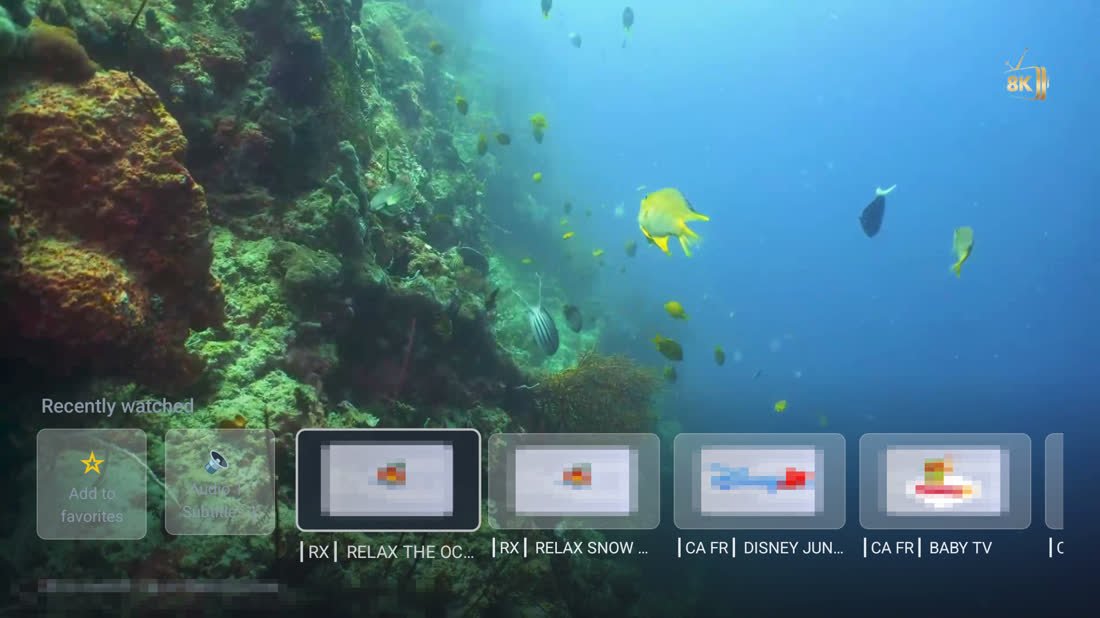
Full screen, Right pressed: the recently watched strip.
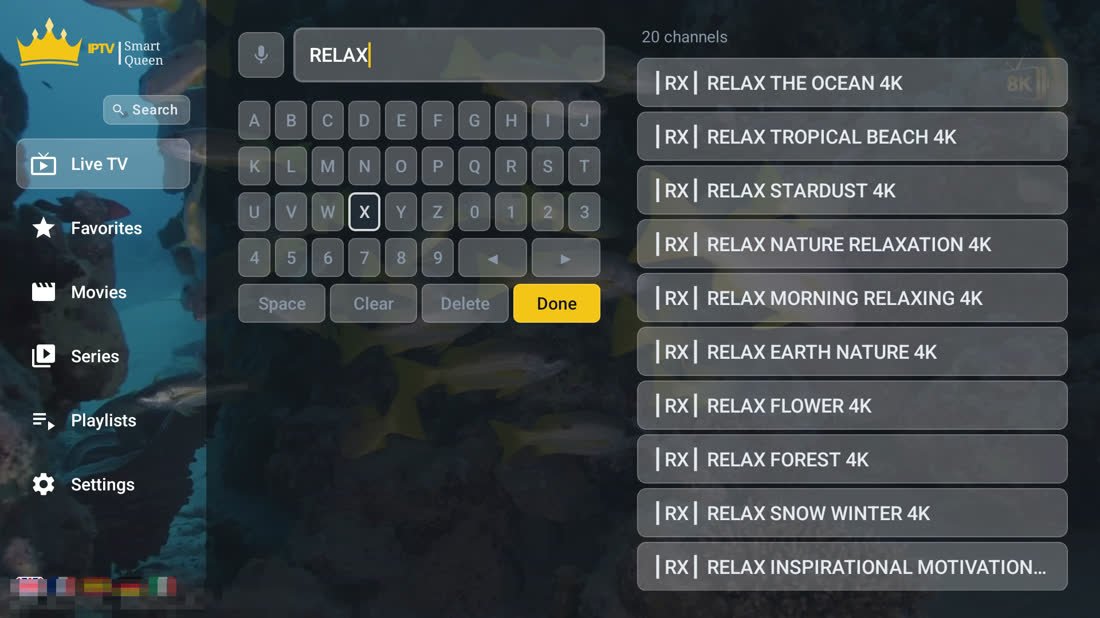
Search: press the microphone, or spell it on the D-pad keyboard.
Search & voice
Say the channel name.
Playlists
Whatever your provider hands you.
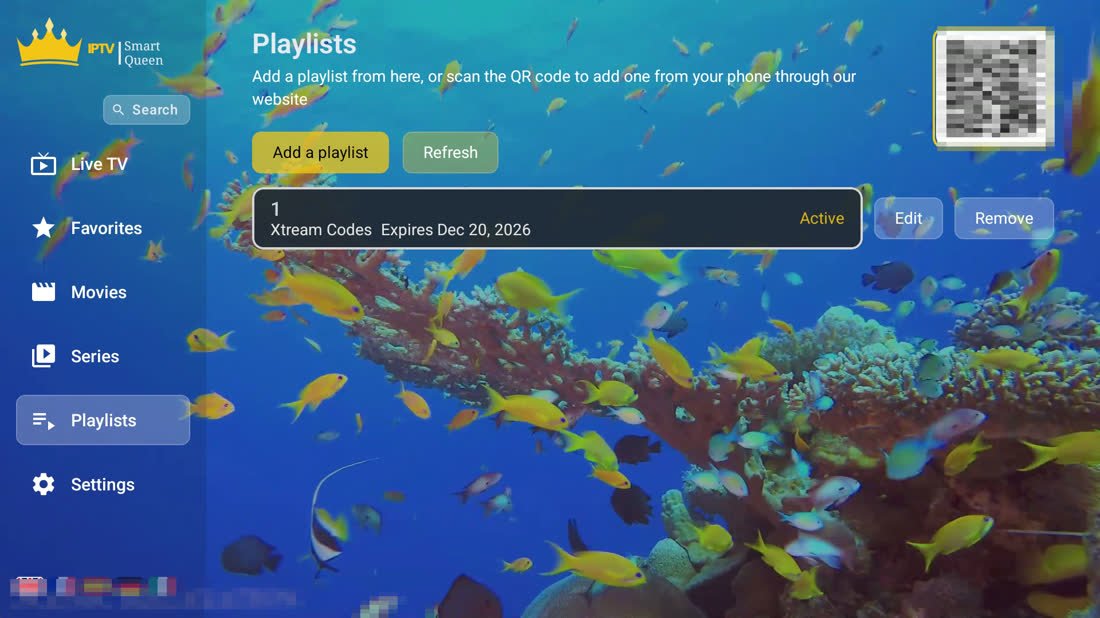
Playlists: up to five, each with its source, its expiry and a QR code to add one from your phone.
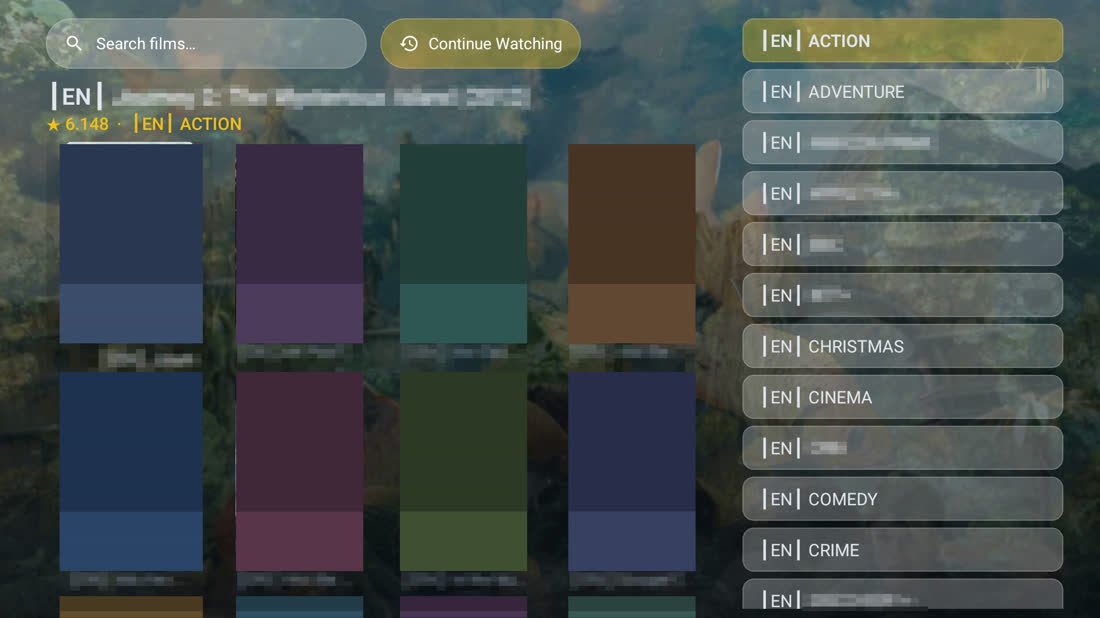
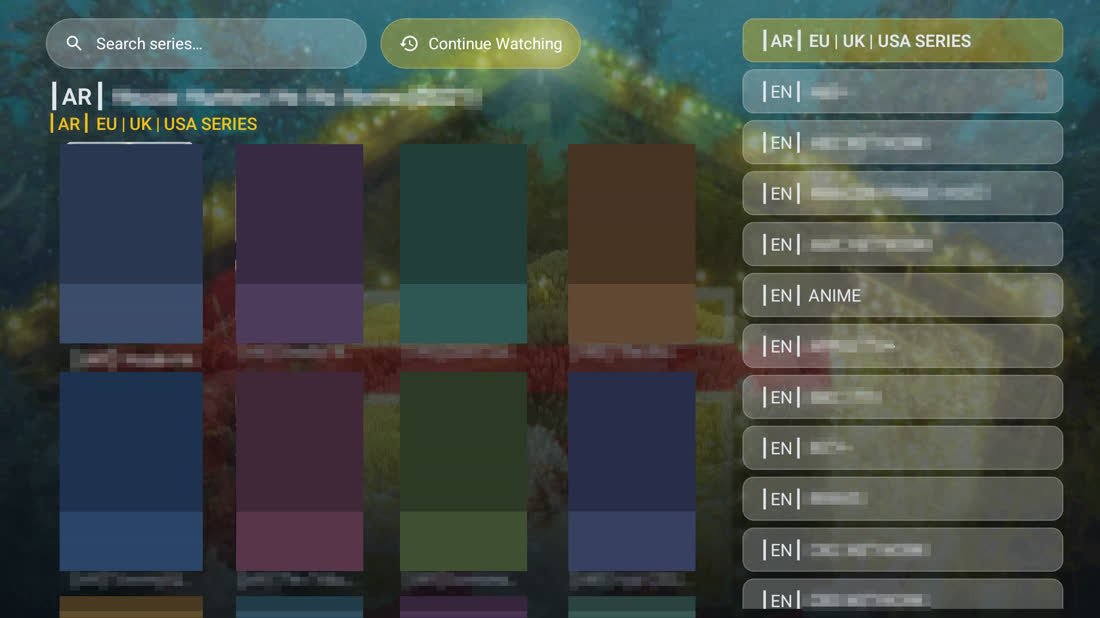
Films & series
The next evening starts where the last one ended.
The player
Built to stay smooth on the boxes people actually own.
Hardware decoding through the device's own media engine, one player kept alive for the life of the app, and every number here measured on a cheap 2 GB box.
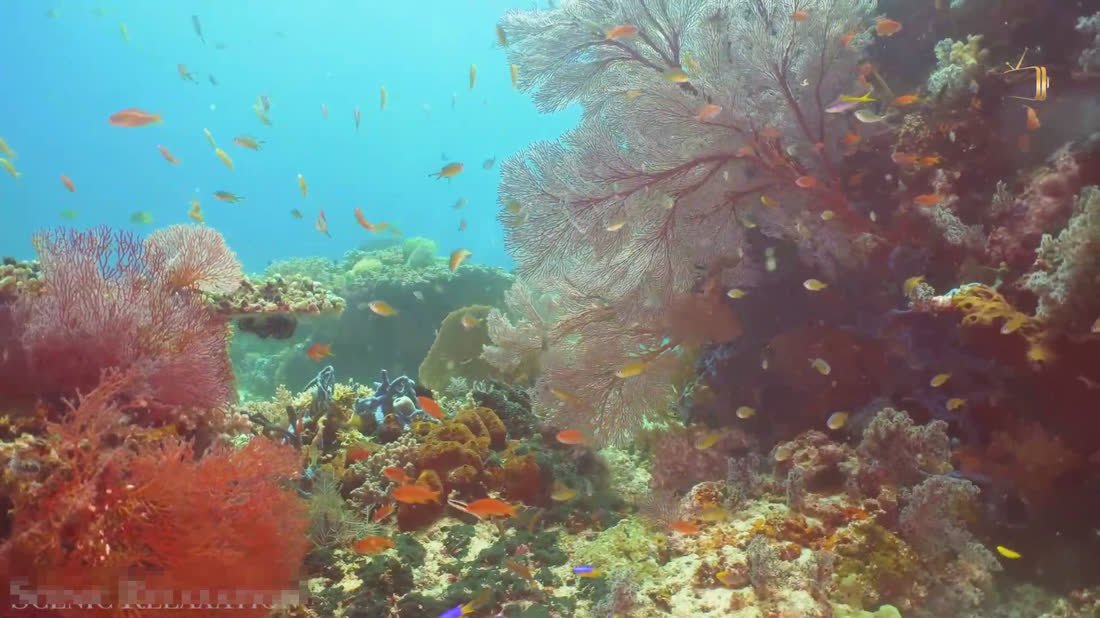
Playing full screen: the picture, and nothing on top of it.
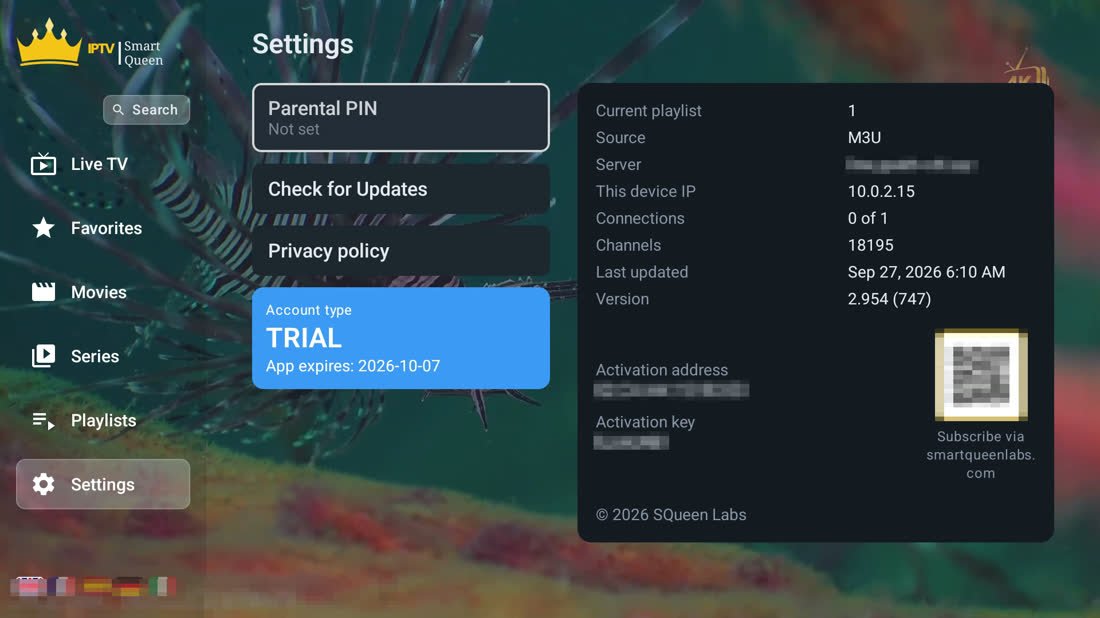
Settings: the parental PIN, the trial and its end date, and the key that identifies this box.
Parental lock
A four-digit code, asked once.
Account
Ten days free on the television apps. Then one licence, one device. The phone app is coming soon, free with adverts.
Devices
One app, four kinds of screen.
TV box & smart TV
Most boxes and sets sold since 2017. Install it once; it updates itself after that.
Phone & tablet
Coming soon on Google Play. Landscape, with swipes in place of the remote keys; same layout, same features.
Samsung smart TV
2018 sets and newer. Its own build, same wording — in development, not downloadable yet.
LG smart TV
2018 sets and newer. Its own build, same wording — in development, not downloadable yet.
Just so you know
What it doesn't do.
Ten days, everything unlocked.
Install it, point it at your playlist, and see whether it is smoother than what you run now. That is the whole pitch.