Your playlist.
Finally smooth.
A player, not a subscription. Point it at your own M3U or Xtream Codes playlist — smooth guide, favourites, films and series, no more stutter.
$1.33 / month · Save 20%
- 1 device
- All features
- Email support
Refunds are decided case by case — see Terms.


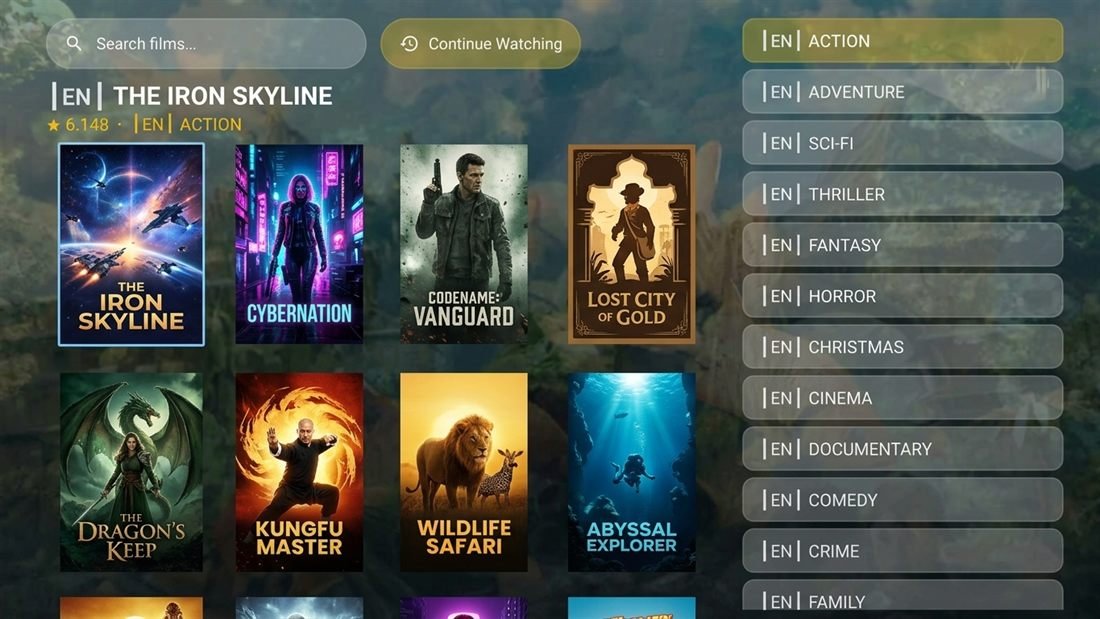


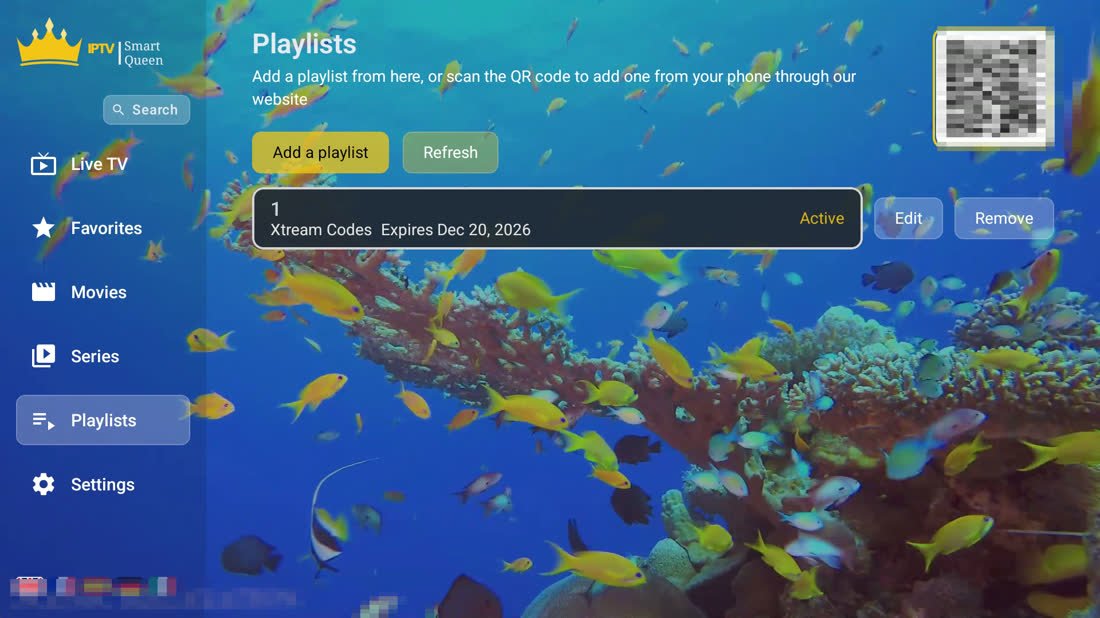


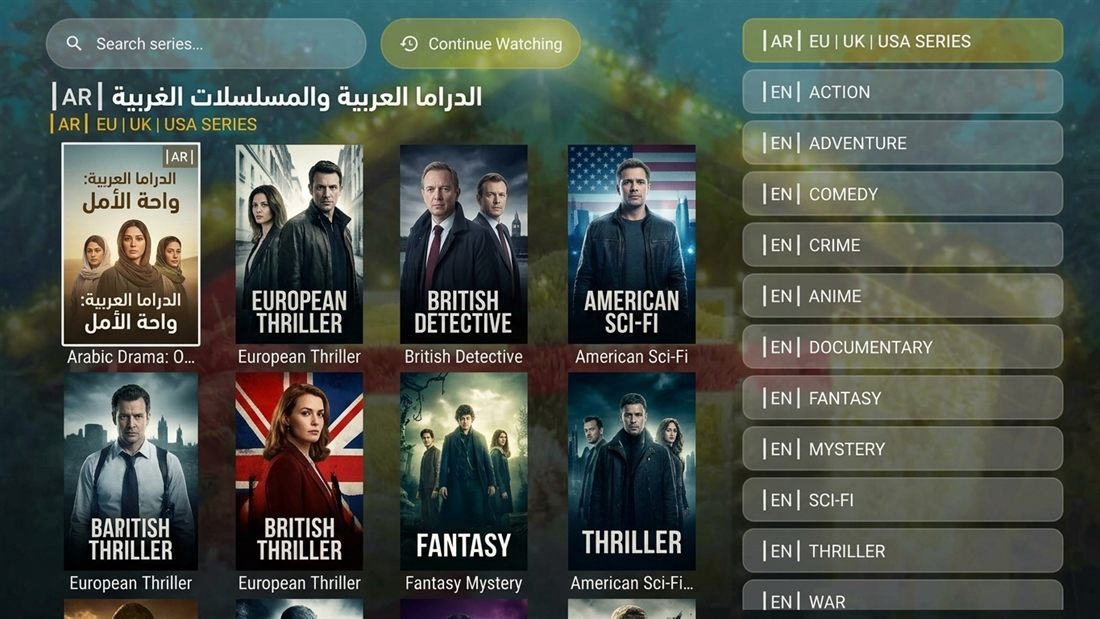


What the app does
Built for the remote
Every screen is laid out for a D-pad, not a touchscreen pretending to be one. Nothing here needs a mouse.
Smooth, always
Hardware decoding and a memory budget tuned for cheap boxes. Big playlists load without the app choking on them.
What the app cannot speed up is your provider: how long a channel takes to start, and whether it buffers, comes from their server and your connection. The app's own job is everything up to that moment — and it does that in well under a second.
Full TV guide
Add an XMLTV link or an Xtream login and every channel shows what's on now and what's next.
Several playlists
Keep more than one provider loaded and switch between them without retyping anything.
Favourites first
Mark what you actually watch. It opens at the top of the list every time you turn the box on.
Films & series
Poster grids, episode lists, and it remembers where you stopped watching.
Parental lock
A four-digit PIN at launch, and any channel can be locked behind it from its own panel.
Install
Runs on what you already own
One APK, sideloaded in a couple of minutes. No Google account required.
Get the APK
Signed and ready to sideload. Install it once — later versions install straight over the top without losing your playlists.
Download for Android TVGetting started
Three steps, five minutes
Install the app
Sideload the APK on your box.
Read your device code
Open the app. The welcome screen shows a MAC address, a device key and a QR code.
Send your playlist
Scan the QR with your phone, or type the two codes on our page, and add your playlist there. The app picks it up.
Questions
What people ask us
Do you provide channels?
No. Smart Queen is a player and nothing else — we sell the software, not television. You supply your own playlist from whichever provider you already use, and the app plays it. If you don't have a playlist yet, this app on its own will show you nothing.
What kind of playlist works?
An M3U or M3U8 link, or Xtream Codes login details (server address, username, password). For the programme guide, add an XMLTV link as well. Stalker portals work too.
How do I get my playlist onto the TV?
Two ways. Type it in on the box with the remote, which is slow — or open the app, scan the QR code on screen with your phone, and enter the playlist on our page instead. The app fetches it a few seconds later.
Is there a free trial?
Ten days on the television apps, with everything unlocked. No card and no account — the trial starts the first time you open the app and stops on its own. The phone app is coming soon to Google Play: free with adverts, and a subscription there will remove them.
How many devices can I use?
One licence covers one device. If you want the app on a second box, that needs its own licence. Reinstalling on the same device doesn't cost you anything, and we can move a licence to a replacement box if yours dies — just ask.
Why is my stream still stuttering?
Almost always the source or the connection, not the player. Here is how to know for certain in one minute: play the same channel in any other player on the same device. If it stutters there too, the stream is the problem and no player can fix it. If ours is worse, tell us — that is a bug and we want it. Message us either way — we'll tell you what the logs say.
The menu is cut off at the edges of my TV
Your TV is zooming the picture ("overscan") — common on Samsung sets left on the "16:9 Standard" picture size. Fix it on the TV: Settings → Picture → Picture Size Settings → Picture Size → "Fit to screen" (older sets call it "Screen Fit" or "Just Scan").
Can I get a refund?
Refunds are decided case by case. If something has gone wrong — a mistaken purchase, a technical fault — email us and we'll look at it with you. The full rules are in our Terms.
Ten days,
everything unlocked
Install it, point it at your playlist, and see whether it's smoother than what you're running now. That's the whole pitch.